

Smart Shock Options And Cleaner History View
 Matt Giovanisci
  June 16, 2026
Every update to the Pool Care app is driven by one question: how do we make pool care simpler for you? This release brings a completely redesigned test history view, more shock options, and small but meaningful educational additions throughout your treatment steps.
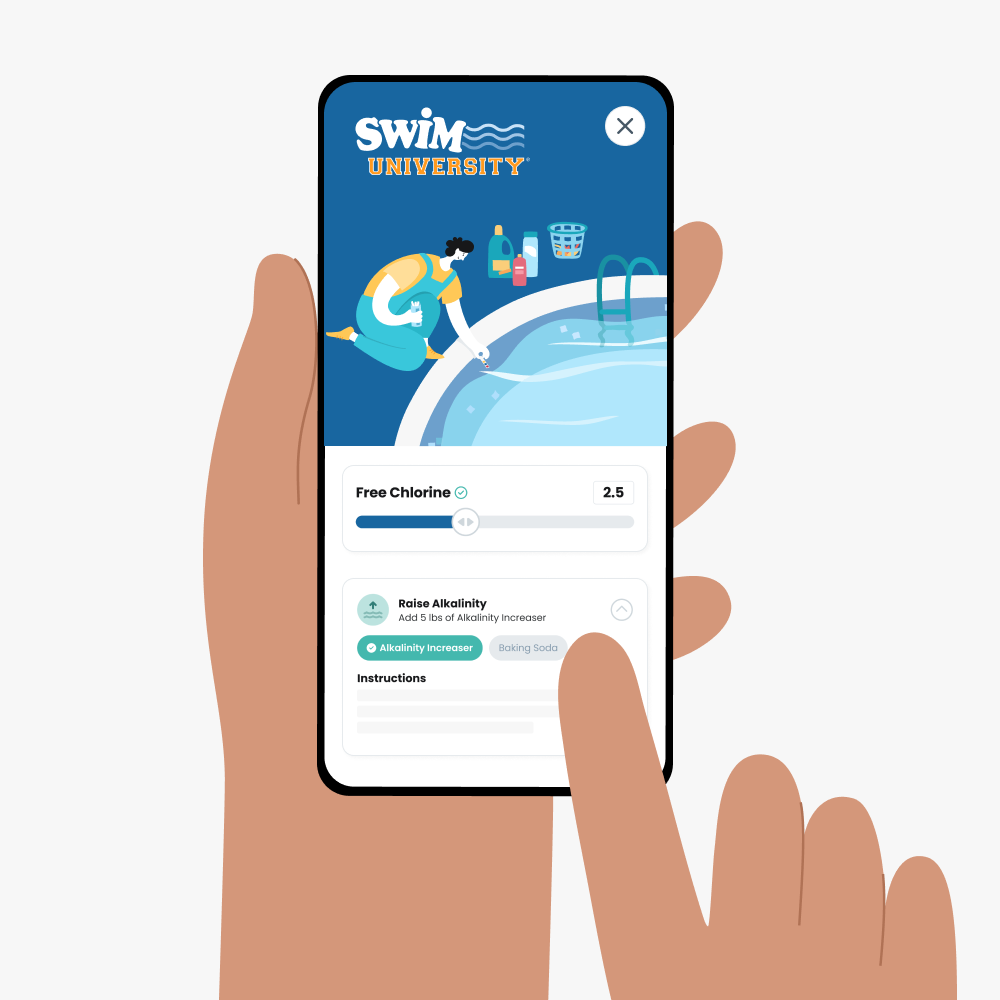
Enter your water test results. Get a custom treatment plan. Know exactly what chemicals to add to keep your pool clear. Saltwater and hot tub compatible.
A Better Way to See Your Water History
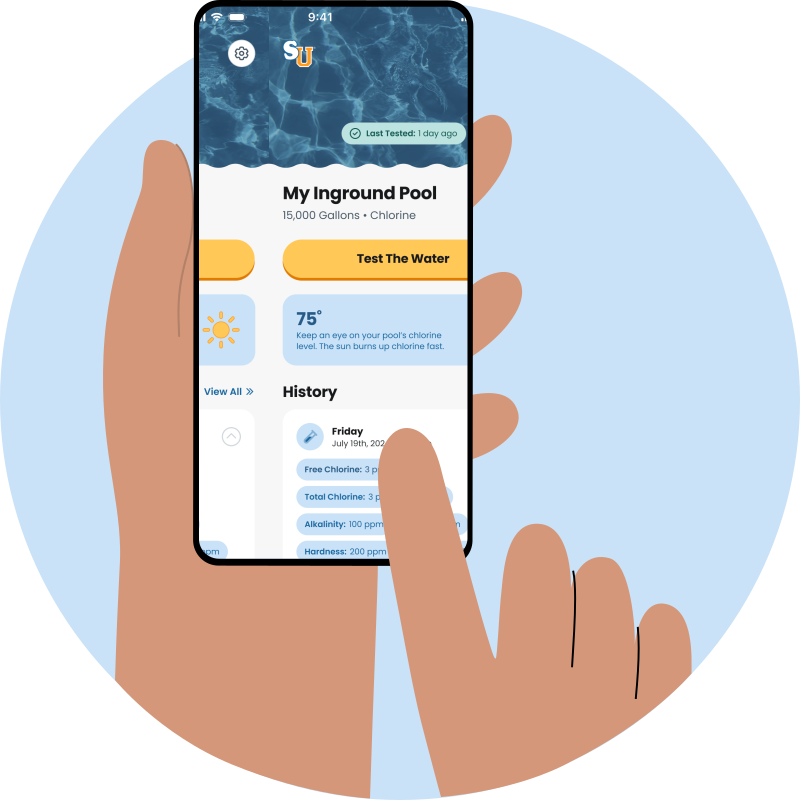
The biggest visual change in this update is the redesigned test result view on your home screen. When you tap into any previous test, your chemical readings now display as a clean, color-coded bar chart instead of plain chips.
Green means you’re in range, yellow is a watch zone, and red signals you’re out of range. Even if you’re color blind, the visual layout still makes sense at a glance.
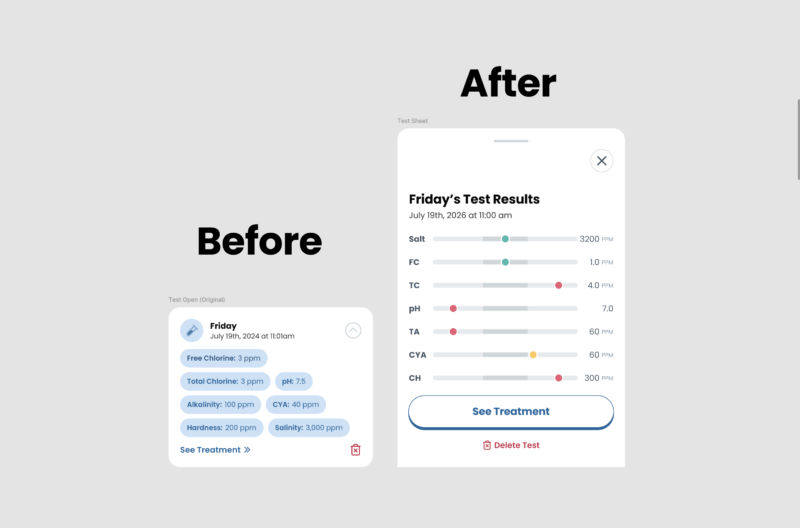
It’s also much easier to delete a test or jump back into an unfinished treatment right from this screen. No more hunting through dropdown menus.
Smart Shock Options
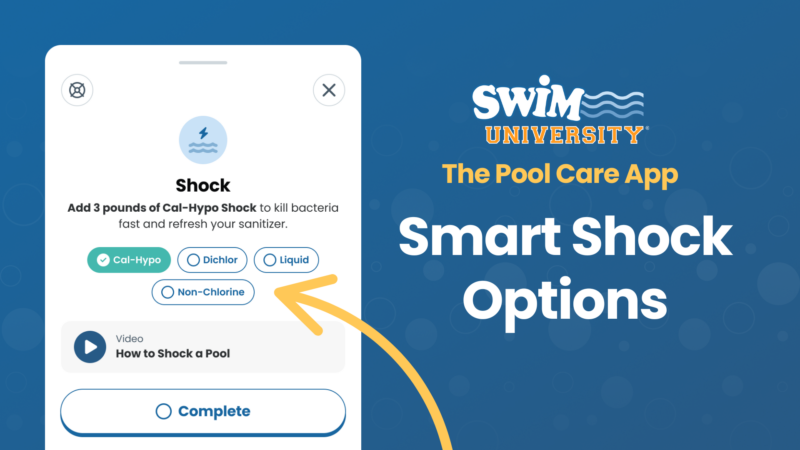
Pool Shock Treatments have always been in the app, but now you have full control over which type you use. But what makes it smart is the app will suggest non-chlorine shock when your free chlorine is already high (no need to add more chlorine on top of chlorine), but you can now switch to cal-hypo, dichlor granules, or liquid chlorine if that’s what you have on hand.
Why You’re Adding Each Chemical
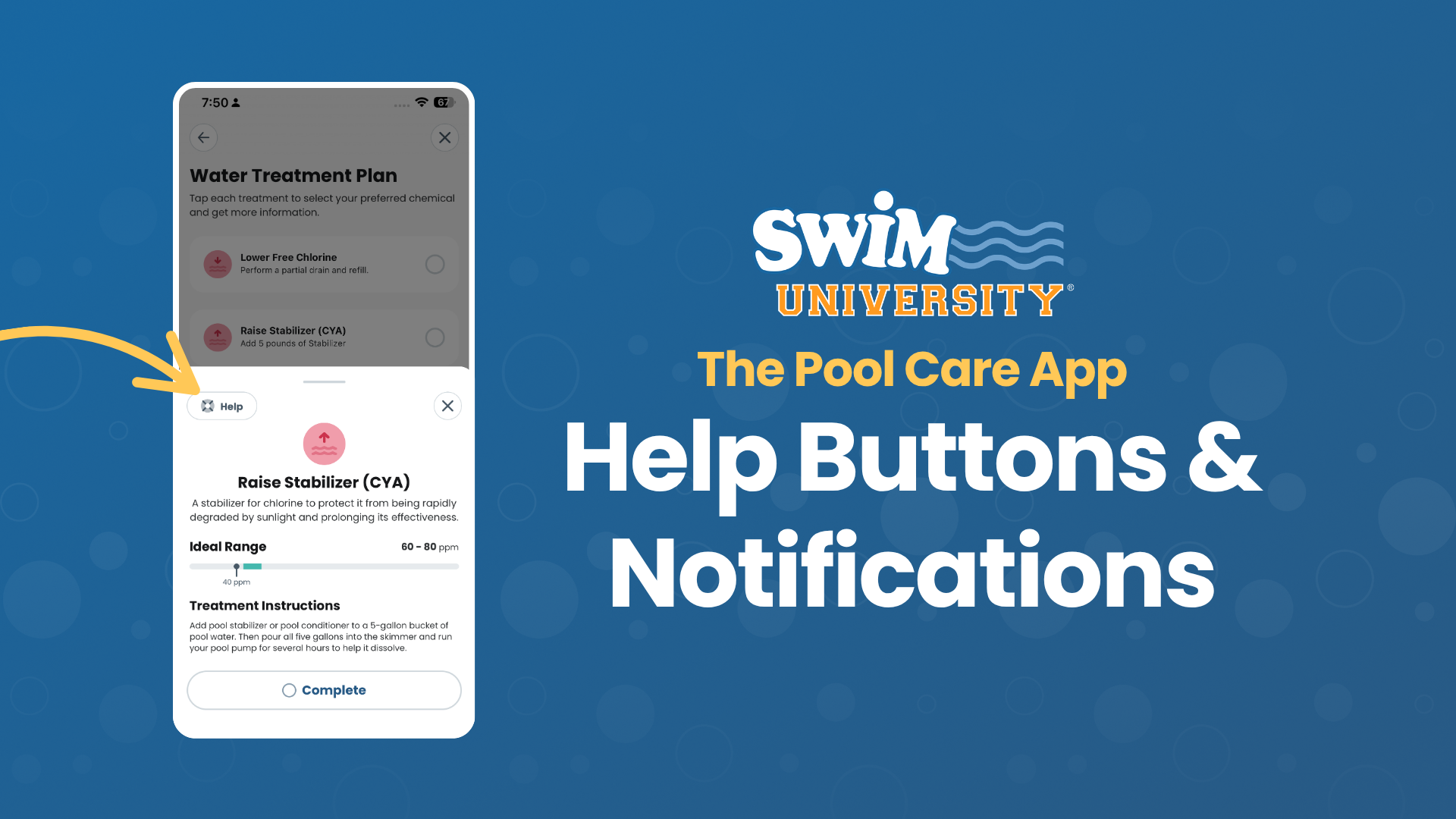
A lot of the questions we get in the live chat come down to “why am I adding this pool chemical?” Now, each treatment step includes a short explanation so you know what the chemical actually does for your pool.
You’ll also find embedded videos with more detail if you want to go deeper. If you already know your stuff, these little callouts won’t get in your way. Think of them as optional context, always there when you need it.
Tablet Count for Chlorinators and Floaters
The app now tells you exactly how many 3-inch tablets to add, not just “add tablets to your chlorinator.” Whether you’re using a traditional chlorinator, a floater, or dropping them in the skimmer basket, you’ll get a specific number for your pool size.
Improvements and Bug Fixes 🔧
- Slider precision improvements: You can now tap the slider to enter a specific decimal value (like 4.75 ppm for calcium hardness) instead of rounding to the nearest increment. Useful for precise test kit readings.
- Deactivate unused readings: If your test kit doesn’t test for a particular chemical like cyanuric acid, you can now deactivate that reading so it won’t factor into your recommendations.
- Treatment animations: Small visual animations now appear as you work through your treatment checklist, making it easier to track progress through each step.
- Checkmarks on completed treatments: Finished treatments now show a green checkmark on the home screen, so you always know what’s been done.
Ready to experience smarter pool care? Update The Pool Care App today and stay one step ahead of your pool's needs!