

Track Your Pool Chemical Treatments
 Matt Giovanisci
  January 8, 2026
Keeping track of which chemicals you’ve already added to your pool just got a whole lot easier. This update introduces a treatment checklist that lets you mark off each step as you go, so you never have to wonder, “Wait, did I already add that?”
Enter your water test results. Get a custom treatment plan. Know exactly what chemicals to add to keep your pool clear. Saltwater and hot tub compatible.
New Features 🎉
Treatment Task Checklist
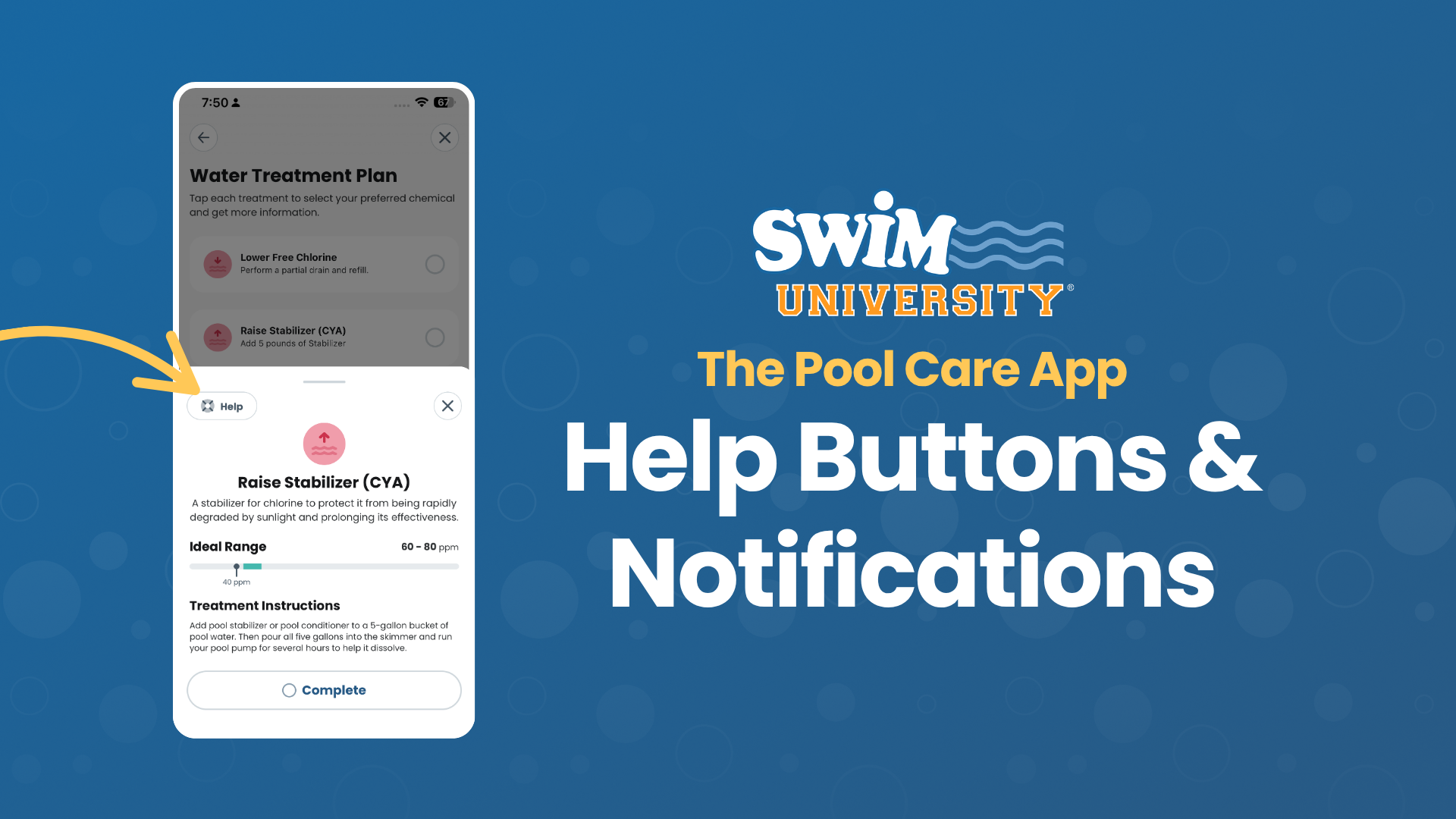
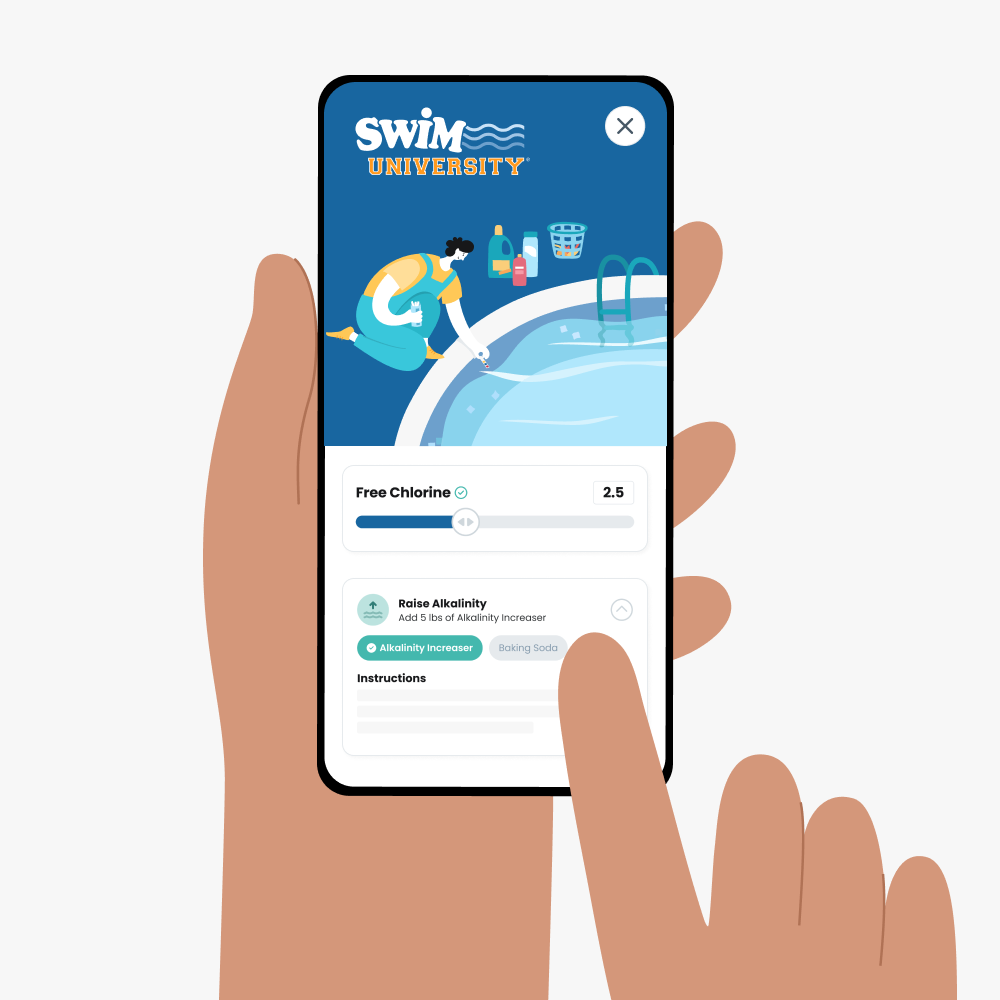
This is the big one. When you tap a recommended treatment, instead of a small dropdown, you now get a detailed pop-up with everything you need in one place. You’ll see the ideal chemical range for that reading, new color-coded icons that show you if you’re too high (red), too low (red), or just slightly out of range (warning), and step-by-step instructions for the treatment.
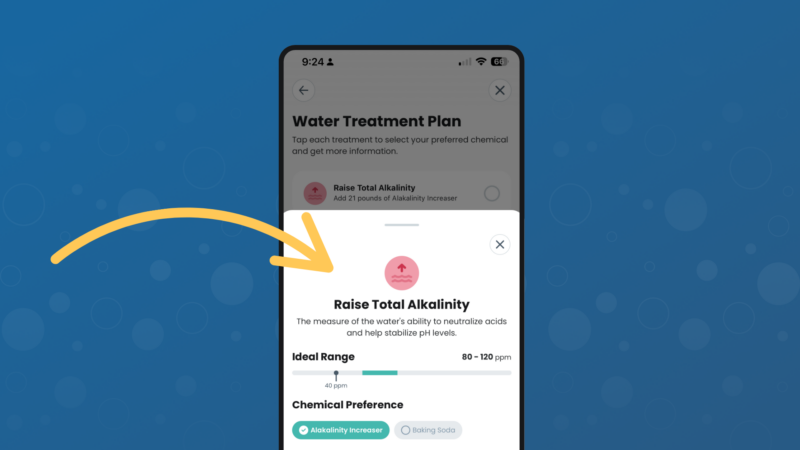
The best part? There’s now a “Complete” button at the bottom. Tap it, and a green checkmark appears next to that treatment. So as you work through your list, you can see exactly what’s done and what’s left. If you need to step away and come back later, no problem. Your progress is saved, and you can pick up right where you left off.
No more second-guessing whether you already added an alkalinity increaser or forgot to treat your pH. Just test, treat, check it off, and move on.
Expanded Help Center
We’ve added more answers to the Help Center so you can find what you need without searching the internet or guessing. Head to your pool dashboard and tap the Help Center to browse common questions, troubleshoot issues, or chat with us directly.
Improvements and Bug Fixes 🔧
- Improved ideal range breakdowns on the treatments screen. The treatment screen now displays clearer breakdowns of where your chemical levels should be, making it easier to understand your results at a glance.
Ready to experience smarter pool care? Update The Pool Care App today and stay one step ahead of your pool's needs!